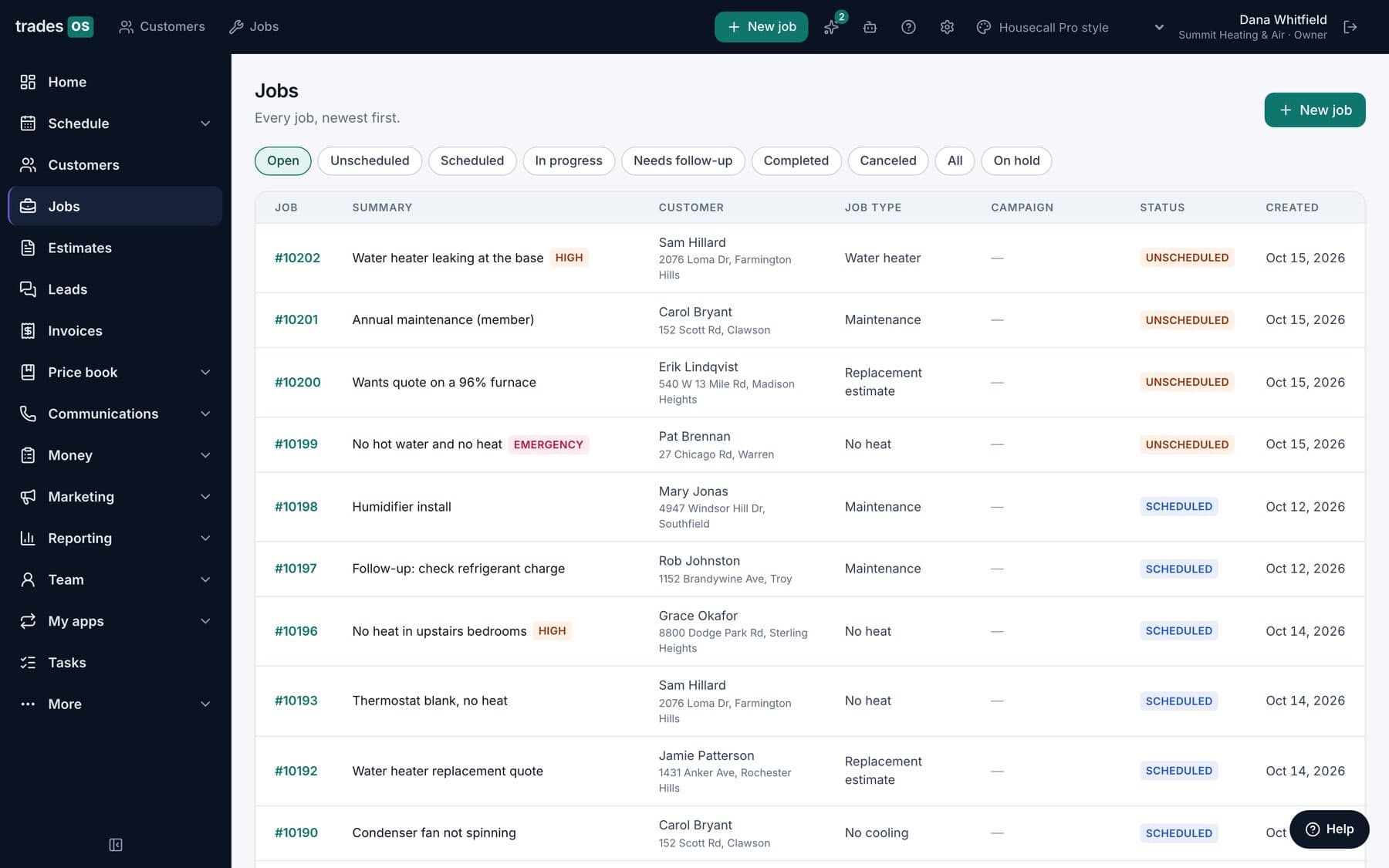
This is our own product compared with Housecall Pro, so read it with that in mind. We've tried to be straight about where Housecall Pro is the better choice, and there are several. Housecall Pro facts come from its own pricing page, help center and terms, checked October 15, 2026.
The short version: Housecall Pro is a quick, inexpensive, proven tool for small residential crews. TradesWork is built for HVAC, plumbing and electrical shops of roughly 3 to 50 techs whose revenue depends on memberships and replacements. Which one fits depends mostly on your size and how you make money.
Where Housecall Pro is stronger
Start here, because it matters for small shops.
Price at small sizes. Housecall Pro Basic is $59 a month on annual billing for one user, and Essentials is $149 for five (pricing). A two-tech TradesWork shop on Essentials pays $158 a month on annual billing. For a solo operator or a two-truck crew, Housecall Pro is cheaper, full stop.
Financing. Housecall Pro lists payments and consumer financing on every plan, and access to business financing too. TradesWork shows a monthly payment figure on each estimate option, but financing lenders aren't connected yet; the customer applies with your lender separately. If financing closes a lot of your bigger jobs, that's a real gap.
Free AI helpers. Housecall Pro's help center says Analyst AI, Marketing AI, Coach AI and Help AI are included free, and only CSR AI, the phone agent, is a paid add-on (AI Team).
Track record and pace. Housecall Pro has years of shops behind it, and it ships steadily. The May 2026 release added route-based scheduling, structured photo reports, commission splits between seller and installer, and automated sales tax (May 2026 updates). TradesWork is new, and far fewer shops run on it.
Routing for recurring routes. Housecall Pro has routes from Essentials and route optimization on Max. TradesWork plans the day for service and install work but doesn't do route-day scheduling for lawn, pest or pool.
Where TradesWork is stronger
Who you pay for. Housecall Pro counts every login, including office staff, against plan caps of 1, 5 and 8 users, then $35 per extra user on Max. TradesWork charges per technician, and office staff, helpers, apprentices and view-only users are free and unlimited. For a shop whose office grows faster than its truck count, that changes the math over time.
Memberships without the top plan. Housecall Pro's recurring service plans are a Max feature. TradesWork includes memberships from its Pro plan: dues charge themselves, failed cards are retried with an update link, visits come due on schedule, and member pricing applies automatically on estimates.
Selling. Both do estimates. TradesWork builds good, better and best options from your price book on the tech's phone, with a monthly payment shown under each, and flags old units and repeat repairs as replacement opportunities for your comfort advisors. Housecall Pro has flat-rate pricing from Essentials and the Sales Proposal Tool on Max.
No-signal tech app. Housecall Pro's pricing page lists "offline viewing." TradesWork Field keeps saving estimates, notes, photos, forms and time with no signal and catches up later. It runs on iPhone and Android, in English and Spanish.
HVAC records. TradesWork keeps equipment history per unit, a refrigerant log tied to each tech's EPA 608 number, leak repair deadlines, and warranty claim tracking from check to credit. None of that is listed on Housecall Pro's pricing page.
Phones and AI included. TradesWork includes missed-call text back and caller pop-ups, and its AI plan adds an AI receptionist, in early access, that answers after hours or when you're busy, handles emergencies with safety instructions first, and passes non-customers to your team. Housecall Pro's equivalent, CSR AI, is an add-on with no listed price.
Pricing and contracts side by side
Housecall Pro publishes Basic ($59 annual, $79 monthly), Essentials ($149, $189) and Max ($299, $329). It says it doesn't require long-term contracts, and downgrades take effect at the end of the billing period. Its terms say subscriptions auto-renew unless terminated and that fees aren't refunded except as the terms set out. Eleven add-ons, including CSR AI, Pipeline, Payroll, Voice and Websites, are listed without prices.
TradesWork publishes Essentials ($79 per tech annual, $91 month-to-month), Pro ($99, $114) and AI ($139, $160). Month-to-month is available, and annual billing never auto-renews at a higher price. There's a 14-day trial with no card.
Day to day
Office. Housecall Pro's office side is clean and quick to learn; a new CSR can book and invoice on day one. TradesWork puts the caller's history, open jobs, balance and membership on screen before you answer, and gathers website, Angi, Thumbtack, referral and email leads into one inbox.
Techs. Both have iPhone and Android apps. TradesWork walks each visit step by step (arrive, diagnose, show options, do the work, wrap up), lets techs talk instead of type, includes HVAC calculators, and shows techs what they've earned today.
Owners. Housecall Pro's Analyst AI answers report questions for free. TradesWork lets you ask questions like "why was Tuesday slow?" against your real numbers, sends alerts when something looks off, and shows job profit and commissions.
Questions to ask in each trial
Both products offer a 14-day trial with no card, so use it on real work rather than a demo account.
Ask Housecall Pro:
- What will CSR AI, Pipeline, Voice and Payroll cost us per month, in writing?
- How many users will we have in a year, office included, and what will that cost on Max?
- What can a tech create or change with no signal, beyond viewing?
- How do recurring service plans bill, and what happens when a card fails?
Ask TradesWork:
- Which financing lender do we use today, and how will customers apply until lenders are connected?
- How will our Housecall Pro service plans come across, and when does membership billing start?
- What doesn't import, and how do we add equipment records?
- How does the AI receptionist handle our after-hours calls and emergencies?
Then put both as a 12-month total, including add-ons, card processing and the time your office will spend on setup.
Switching from Housecall Pro to TradesWork
TradesWork has a file-based importer for Housecall Pro. You export from Housecall Pro (its help center shows admins how to export customers and jobs as CSV) and drop the files in. It brings over customers with service addresses, your price book, job history, invoices with paid amounts, and service plans as memberships where your export has them. Membership billing stays off until you start it, so nobody gets charged twice.
What doesn't move: equipment isn't in Housecall Pro's standard exports we know of, so add it by hand or from a spreadsheet; photos and attachments stay in Housecall Pro. The Housecall Pro file layouts are still being validated against real exports, so keep your original files as an archive. Stored cards don't transfer: customers on recurring billing re-enter a card through a secure link.
Our guide to cancelling Housecall Pro covers the order of operations: export first, run both side by side, then cancel.
Which should you choose?
Housecall Pro if you're under about 8 users, want the lowest published price, want financing offered inside the app, or want a long-established product.
TradesWork if you're a 3 to 50 tech HVAC, plumbing or electrical shop that sells memberships and replacements, your office is growing, and your techs need an app that works with no signal.
Either way, use the field service software scorecard to score both on your own priorities, and trial both with real techs before you decide.
